
Is Your Email on the Dark Web? How to Check (and What to Do Next)
Here's an uncomfortable truth: if your email address is more than a few years old, it is almost certainly on the dark web already. The only real question is whether the password next to it still works. The dark web isn't one shadowy marketplace; it's a sprawling economy of forums, Telegram channels, and criminal markets where login details change hands in bulk, around the clock, often for less than the price of a coffee.
This guide shows you how to check if your email is on the dark web for free, then covers the part most articles skip: what a hit actually means, and why "just change your password" is dangerously incomplete.
How Your Email Ends Up on the Dark Web (The 4-Step Path)
Credentials don't appear on criminal markets by magic. They travel a predictable supply chain, and understanding it turns a leak from a one-off scare into the symptom it usually is.
Step 1 — Infection
It starts with a single click: a phishing email dressed up as a courier notice, a "free" cracked version of expensive software, a fake browser update. The lure varies; the goal is constant: get malware running on the device.
Step 2 — Silent harvest
Once it lands, an infostealer goes to work. These are purpose-built data thieves, families like RedLine, Lumma, Vidar, and Raccoon, quiet by design: no ransom note, no locked screen, nothing to notice. In seconds, it sweeps the machine for saved browser passwords, autofill and card details, crypto wallets, VPN credentials, and, crucially, active session cookies (hold that thought). It bundles the haul into a stealer log and ships it to the attacker, all unnoticed.
Step 3 — Packaged and sold
Stealer logs are a commodity, sorted and listed on automated marketplaces such as Russian Market and the now-disrupted Genesis Market. Supply is enormous, so prices are low: a single set of corporate credentials can sell for as little as five dollars. That low price is the danger, because the barrier to buying your way into an organisation is now trivial.
Step 4 — Account takeover
A buyer loads the credentials and walks straight into the account: email access, fraudulent transfers, internal phishing of colleagues, or a foothold sold on to a ransomware crew. From one careless click to full account takeover, often without a single alarm going off.
How to Check if Your Email Is on the Dark Web (Free, Step by Step)
You can't browse criminal markets yourself, but you can check your email against a database of credentials already harvested from breaches and stealer logs. Flawtrack offers a free scan for exactly this.
Go to flawtrack.com/scan. No account, no credit card.
Enter the email you want to check. Start with your primary work address, then repeat for personal and admin accounts.
Review the result. You'll see whether your email appears in known leaked-credential data, and the kind of exposure involved.
Act on what you find. A clean result is reassurance, not a guarantee; a hit is a signal to move.
Flawtrack indexes 2.2 billion+ leaked credentials and tracks 33 million+ compromised devices, so the check reaches far beyond the handful of headline breaches most people remember.
Which addresses should you check?
Don't stop at one. Run the scan for your main work email, personal accounts tied to work logins, shared and admin mailboxes (admin@, finance@, it@) that are gold to attackers, and the accounts of executives who carry outsized risk.
What It Means if You're Found
A hit means your credentials were captured in a known breach or a stealer log. The right response depends on which:
Breach data. A service you used was compromised and its user database leaked. Bad, but bounded: the exposure is usually limited to that one service.
Stealer log data. The serious one. A device, possibly yours, was infected by an infostealer, so the attacker may hold everything saved in that browser plus active session cookies. The exposure isn't one account; it's potentially every account on the machine.
If a stealer log is involved, treat the device as compromised, not just the account. Changing a password while the infostealer is still resident simply hands the attacker your new one, so clean the machine first.
Why Changing Your Password Isn't Enough (Session Cookies & MFA Bypass)
The standard advice, "you've been leaked, change your password", rests on an assumption that no longer holds: that the attacker only has your password. Modern infostealers steal something far more dangerous: your session.
When you tick "remember me", the site stores a session cookie in your browser, a token that says this user is already authenticated. Infostealers grab those cookies too, and here's the problem:
A stolen session cookie lets an attacker resume your already-authenticated session without your password, and without triggering MFA.
So multi-factor authentication does not stop this attack. MFA challenges you at login; a stolen cookie skips login entirely, replaying a session you already passed MFA for. The defence everyone trusts most is simply bypassed.
When a stealer log is involved, a password reset on its own is theatre. To shut the door:
Disinfect or rebuild the compromised device first, then reset the password
Invalidate all active sessions ("log out of all devices" on most platforms)
Re-enrol MFA, moving to phishing-resistant methods such as passkeys or hardware keys
Skip the session-invalidation step and the attacker keeps their access, however strong your new password is.
One-Time Check vs Continuous Dark Web Monitoring
A free scan answers one question: am I exposed right now? Useful, but it's a photograph, and the threat is a film. New stealer logs are traded every day, and the check you ran this morning says nothing about what's harvested this afternoon. Periodic checks may be enough for an individual. For an organisation, they leave a window open between scans, and stolen credentials are often used within hours.
This is the gap continuous dark web monitoring closes. Instead of waiting on you to remember, it delivers:
24/7 monitoring of criminal markets, forums, and stealer-log feeds for your domains and people
Alerts the moment new exposure surfaces, not weeks later in an incident report
Context that makes each alert actionable: which account, what leak, how urgent
What Businesses Should Do
For a CISO, leaked credentials are one of the most common ways breaches begin. Valid stolen logins don't trip alarms the way malware does; they walk in the front door wearing a trusted badge, which is why breach reports have flagged them as a leading factor for years. A serious programme goes beyond an occasional scan:
Monitor continuously, across the whole organisation: every domain, mailbox, and key individual, not just the accounts that come to mind.
Watch your executives closely. Leadership credentials are prized for business email compromise and whaling. A spoofed
ceo@yourcompany-finance.comrequesting an urgent wire transfer is far more convincing when it's backed by a real harvested login.Treat exposure as exposure management, not whack-a-mole. A leaked credential is one signal among many, alongside exposed assets, unpatched vulnerabilities, and impersonation domains. Seeing them together is the point of Continuous Threat Exposure Management (CTEM).
Build a response runbook before the alert: who invalidates sessions, who resets, who checks the device for an infostealer?
Flawtrack's Dark Web Monitoring does this inside a single CTEM platform, pairing leaked-credential intelligence with asset, vulnerability, and brand context. Full visibility. Zero blind spots. As Gartner notes: "By 2026, organisations that prioritise CTEM will see a two-thirds reduction in breaches."
FAQ
Can I remove my email from the dark web?
No, and be wary of any service that promises to. Once data is copied across criminal markets and forums, it can't be recalled. What you can control is making it worthless: reset exposed passwords, invalidate active sessions, enable phishing-resistant MFA, and monitor for fresh leaks.
Is it safe to enter my email into a dark web scan?
With a reputable tool, yes. A legitimate scan such as flawtrack.com/scan checks the address you provide against indexed leaked-credential data without asking for your password. Never enter your password into any "dark web check".
Does multi-factor authentication protect me if my email is leaked?
It helps, but it is not bulletproof. MFA defends against attackers who only have your password. It does not stop one who has stolen your active session cookie via infostealer malware; that token bypasses the login step entirely. This is why invalidating sessions and cleaning the device matter just as much.
Check Your Exposure Now — Free, No Signup
Don't guess whether your credentials are circulating. Run a free Dark Web Scan at flawtrack.com/scan with no signup required, and find out in minutes.
Responsible for an organisation, not just one inbox? A one-time check won't keep pace with a threat that refreshes daily. Flawtrack's continuous Dark Web Monitoring watches your domains, mailboxes, and people around the clock, against 2.2 billion+ leaked credentials and 33 million+ infected devices, so you hear about exposure first.
END_OF_FILE
HASH: OAFKOKHQW3G
Related Intelligence
Why Executives Are the #1 Target: A Guide to Executive Protection in Cybersecurity
Executive protection cybersecurity explained: why attackers target the C-suite, the four vectors they use, and how to monitor VIP credentials.
Infostealer Malware Explained: How One Click Leaks Your Entire Company
Infostealer malware turns one click into a full company breach. See what's inside a stealer log and why stolen session cookies beat MFA.
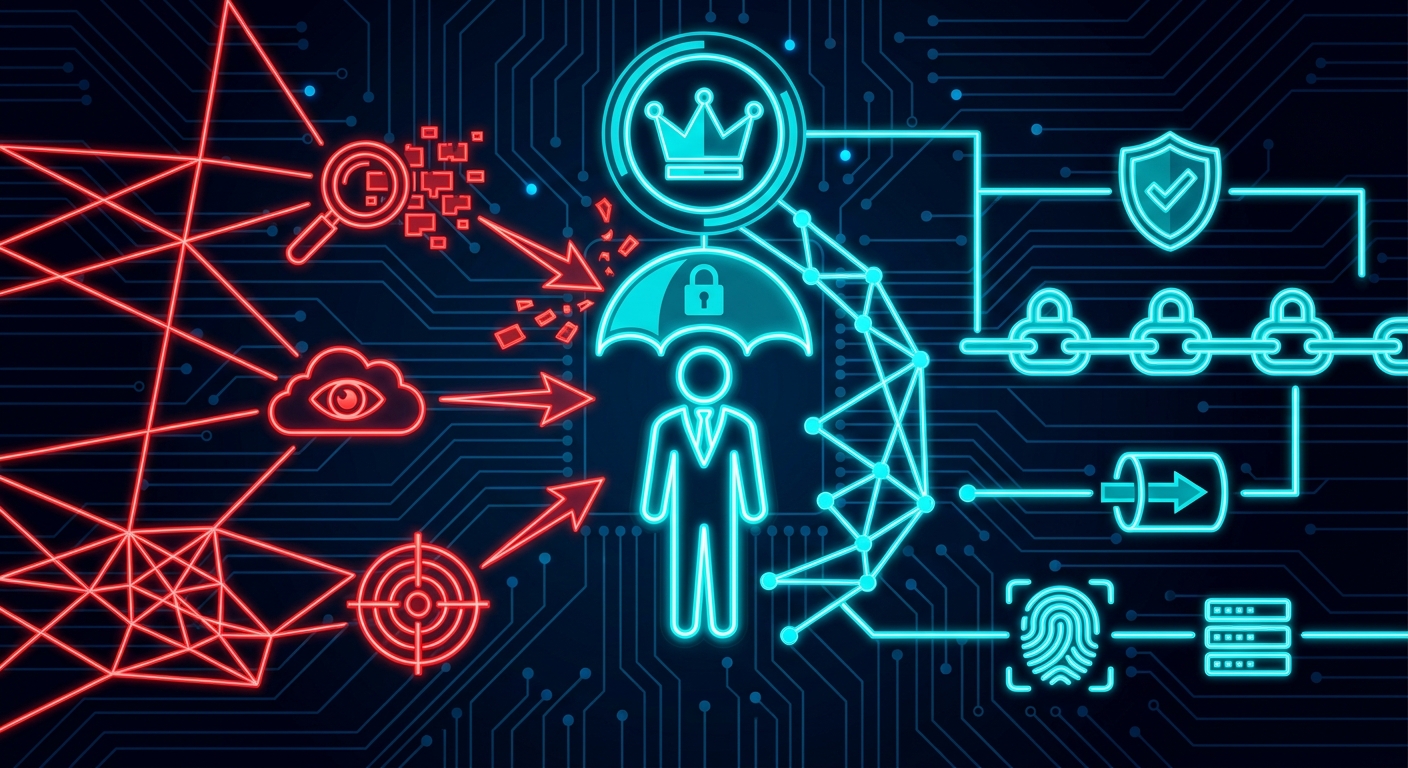
Why Executives Are High-Value Targets — And What to Do About It
Social engineering, credential theft, and AI deepfakes — your C-suite is the #1 attack surface. Here's why attackers target executives and how to protect them.
Ready to Secure Your Infrastructure?
Join forward-thinking engineering teams who trust Flawtrack for continuous vulnerability scanning and threat detection.
Get Started Now